



Trying to size a new AC or furnace off square footage alone is how homeowners end up with hot bedrooms, short cycling, and repair calls they didn't budget for. A hvac load calculator free tool is a better starting point because it gives you a rough cooling and heating estimate based on real inputs like floor area, windows, insulation, occupants, and climate. The catch is simple, though, a free tool is for ballpark sizing, not a permit package, and it won't replace a professional Manual J when you're doing an actual AC installation, heat pump, furnace, or duct design job.
For contractors, the right move is to use free calculators the way seasoned techs already do, as a fast screen before a site visit, a way to educate the customer, and a sanity check before you quote equipment. The best tools will show BTU/hr, tons, and sometimes sensible versus latent load, but they still rely on simplified assumptions. That's why the line between “good estimate” and “code-compliant design” matters so much in real-world AC maintenance, replacement, and new construction.
1. ServiceTitan HVAC Load Calculator
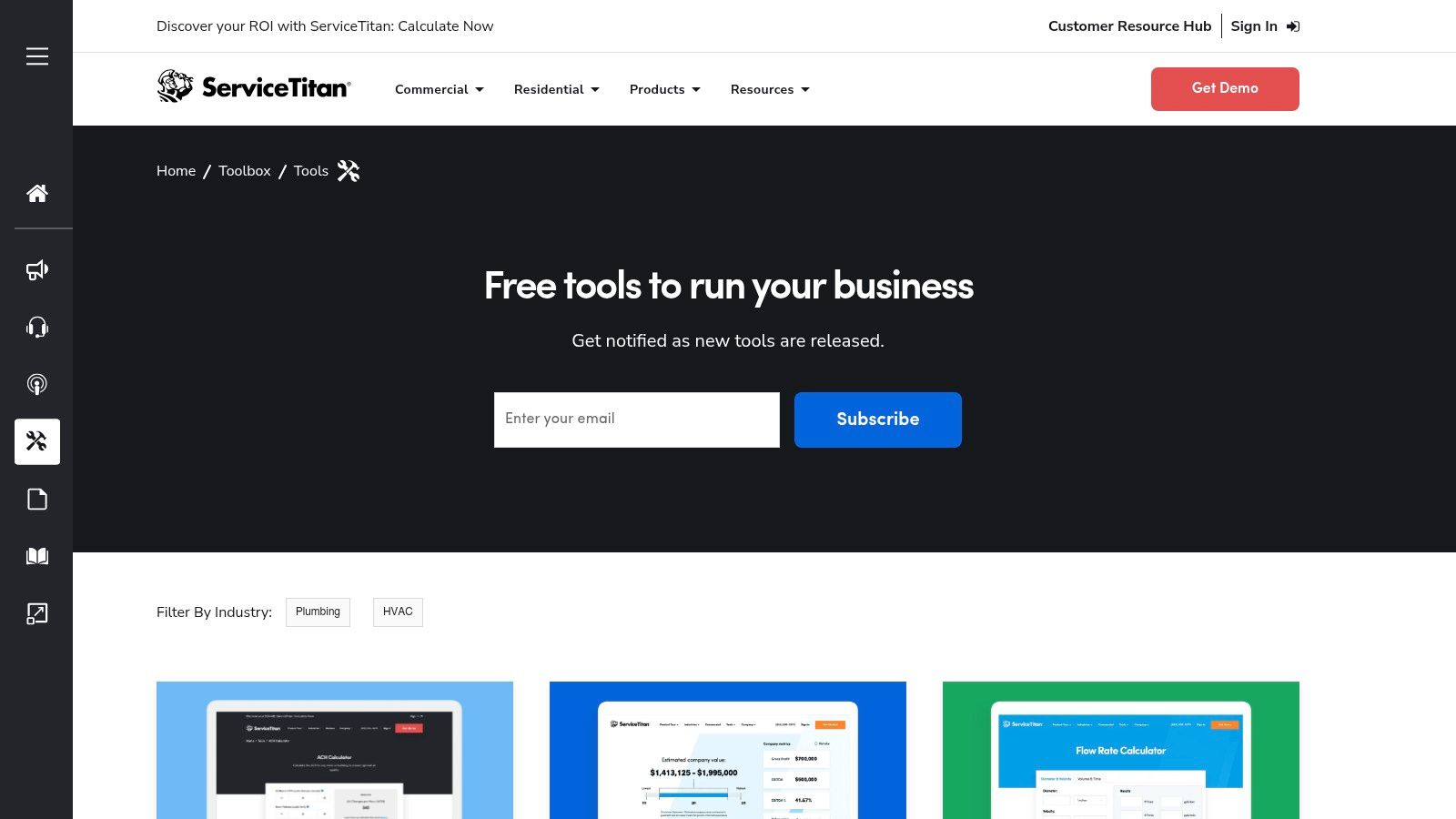
ServiceTitan's free HVAC calculator is the kind of tool I'd pull up when I'm standing in a driveway with a homeowner asking what size unit they need. It's browser-based, simple to use, and fits the way field techs work, fast enough for a quick conversation, but structured enough to keep the estimate from turning into a guess. The broader free tools hub also makes it easy to move from load sizing into other job-scoping tools without bouncing around the web, which is handy when you're checking CFM, duct questions, or savings scenarios in the same visit. ServiceTitan's free tools hub
Best use in the field
The strength here is speed. One of the practical advantages of a browser tool is that it supports a quick estimate when you're qualifying a lead or checking whether a homeowner's expectations match the building.
- Good for first-pass sizing: Use it to orient the conversation around load, not to lock in equipment.
- Good for on-site checks: Mobile-friendly access helps when you're validating a replacement or preparing a quote.
- Good for sales education: It gives you a clean way to explain why oversized equipment is a bad idea.
Practical rule: Use a free calculator to narrow the range, then schedule a real Manual J before you order equipment.
This is where a professional resource matters. If you need the calculation to support an actual installation, pair the estimate with a proper sizing workflow like this HVAC system sizing guide from Cobre Valley Air. Free tools can make a customer smarter, but they shouldn't be the last stop before a permit or a final equipment choice.
2. LoadCalc.net Whole-House Manual-J Style Calculator
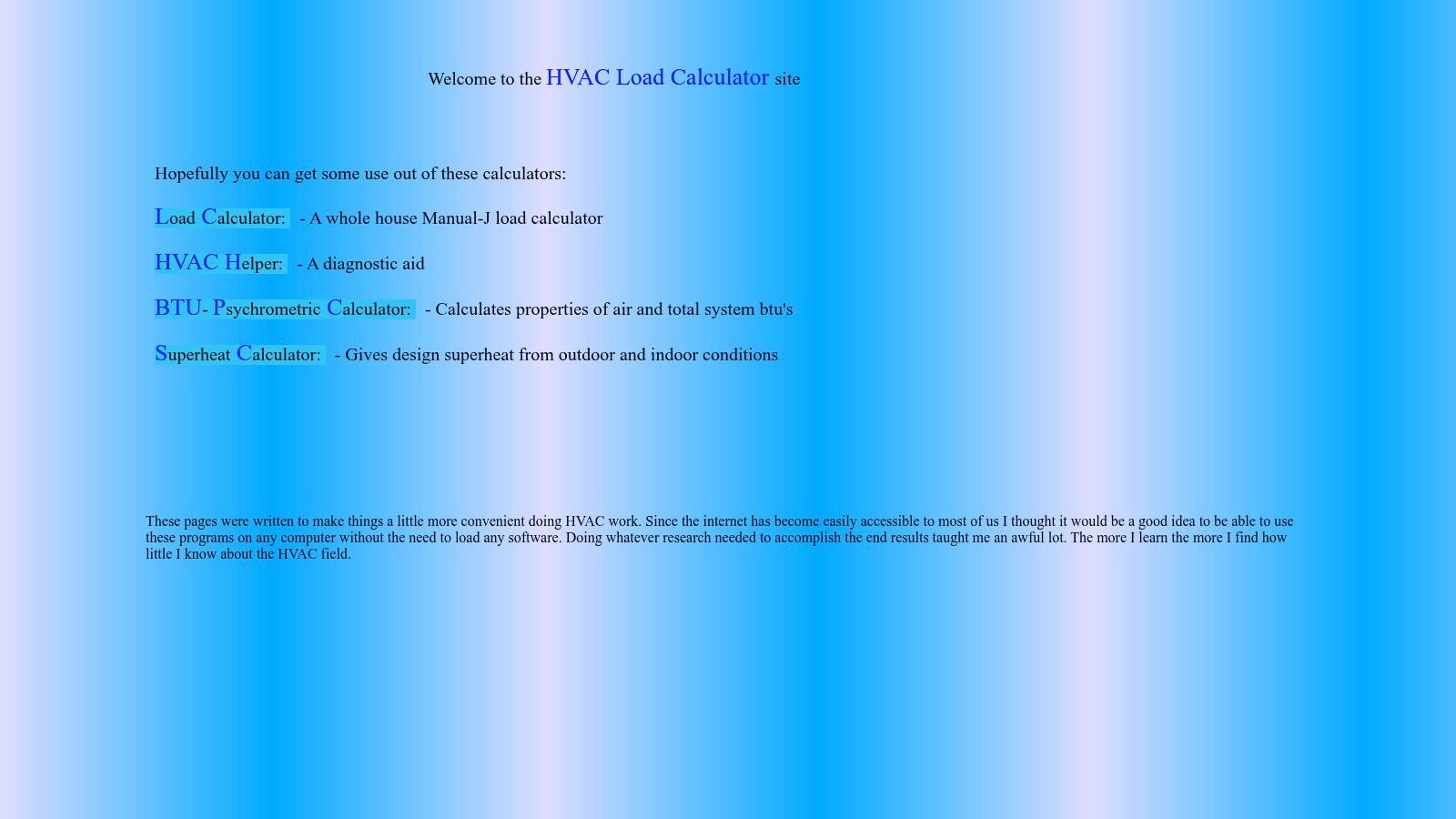
LoadCalc.net feels like a tool made for technicians who already know the basics and want a fast whole-house estimate without wrestling a heavy interface. It's been around long enough that many pros recognize it, and that familiarity matters in the field because you can get to a number without a long learning curve. The site also includes companion psychrometric and superheat helpers, which makes it more useful than a one-purpose BTU calculator when you're thinking about AC maintenance or diagnosing a system that isn't behaving right. LoadCalc.net
Where it fits in a technician workflow
This is a decent bridge between a homeowner-facing estimate and a more serious design conversation. The interface is lightweight, so it works on a phone or tablet, and that matters when you're trying to keep the visit moving instead of disappearing into software setup.
The limitation is just as important. It stays on the simplified side of the equation, so it doesn't replace a room-by-room Manual J or a permit-ready report. For that reason, I treat it as a preliminary screening tool for replacement jobs, especially when the customer wants a fast answer before you schedule a deeper load analysis.
What a Manual J load calculation actually covers is the right next conversation once this kind of calculator gives you a rough direction. In the shop, that's usually the moment I stop talking in tonnage guesses and start talking about insulation, sun exposure, and duct condition.
3. Calculator.net AC BTU Calculator
Calculator.net is the easiest tool on this list to hand to a homeowner who wants to “do the math” themselves. The interface is plain, the inputs are familiar, and the result comes back fast enough to use as a teaching moment during a sales call. It's especially useful when a customer is still thinking in outdated tons per square foot terms and needs a simple way to see why windows, insulation, and climate change the answer. Calculator.net BTU calculator
Why it works for homeowner education
This is not a permit tool, and it doesn't pretend to be one. That's part of its value, because it lets you explain the difference between a rough BTU estimate and a real HVAC design without dragging the customer into engineering jargon.
A simple calculator like this is best used when you want to show how a room or house can swing from a light cooling load to a much heavier one just by changing envelope inputs. The trade-off is obvious, it doesn't model the deeper building variables a proper installation needs, so it's not where I'd stop before quoting an AC replacement or furnace changeout.
A practical technician move is to use the result as a conversation starter, then compare it with field observations, like sun exposure, attic conditions, and duct layout. That's usually where the customer starts understanding why a “quick estimate” and a real system design are two different things.
4. HVAC.com HVAC Load Calculator
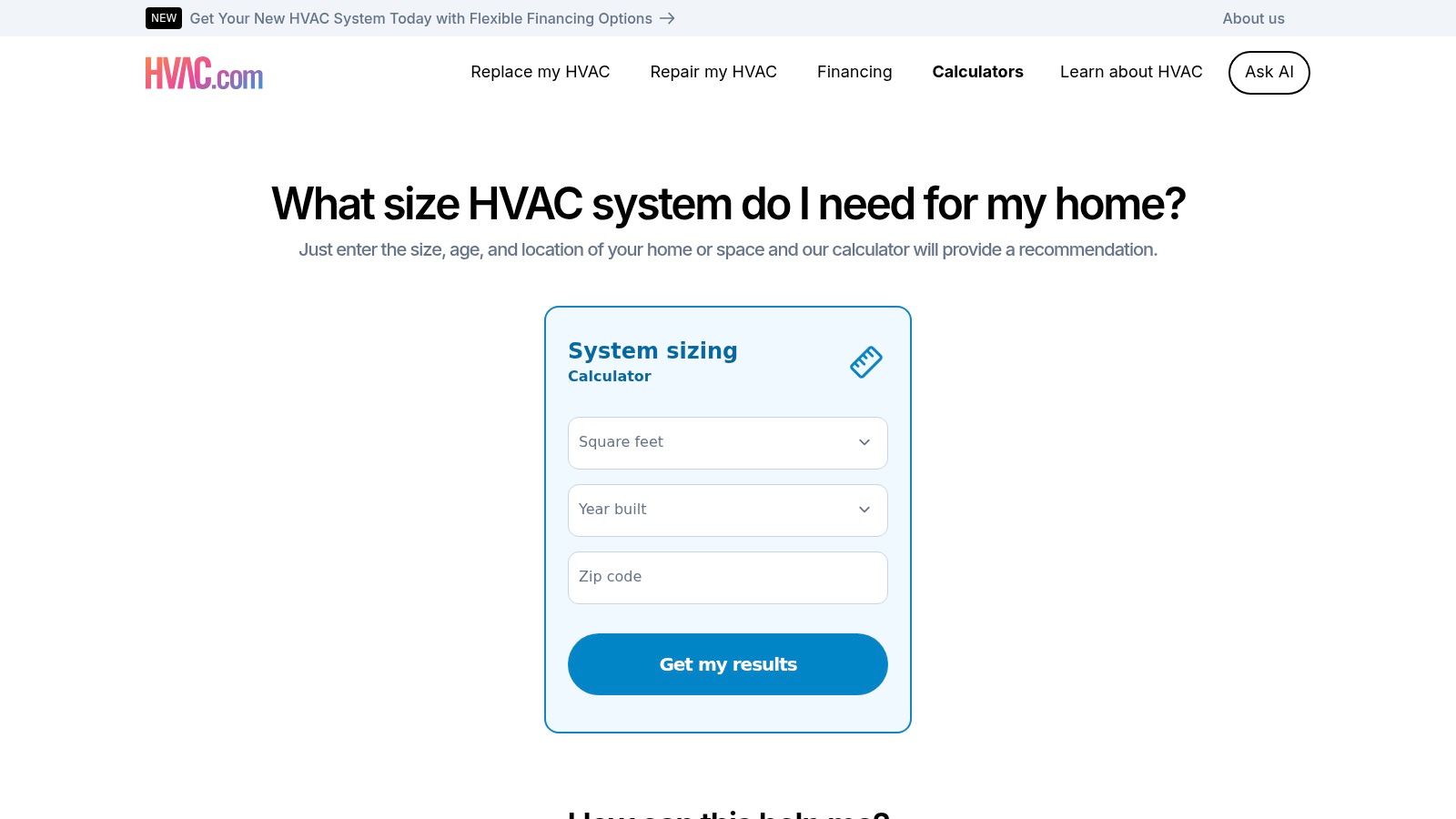
HVAC.com does a good job of making load sizing approachable for non-professionals. It explains tonnage, the 12,000 BTU per ton relationship, and the basic Manual J idea without burying the reader in technical language. That makes it useful when you're trying to reset a homeowner's expectations before a site visit, especially if they've been comparing equipment sizes based only on square footage. HVAC.com load calculator
Best for pre-visit education
The biggest win here is clarity. When a customer sees a ZIP code, year-built, and square-footage estimate, they start to understand that climate and construction age matter, not just size. That helps reduce the “just give me a 3-ton because the old one was 3-ton” conversation that derails so many replacement calls.
The limitation is the same one you see across most consumer-friendly tools, it simplifies the building too much for code work. There's no deep look at duct leakage, blower door data, or other variables that shape an actual system design. So I'd use it to prepare the homeowner for a site evaluation, not to sign off on equipment.
For a technician, that's still valuable. The right explanation at the right time can save a lot of back-and-forth, and it often makes the later Manual J discussion feel like a logical next step instead of a surprise upsell.
5. Field ProMax Free Manual J Simplified Calculator
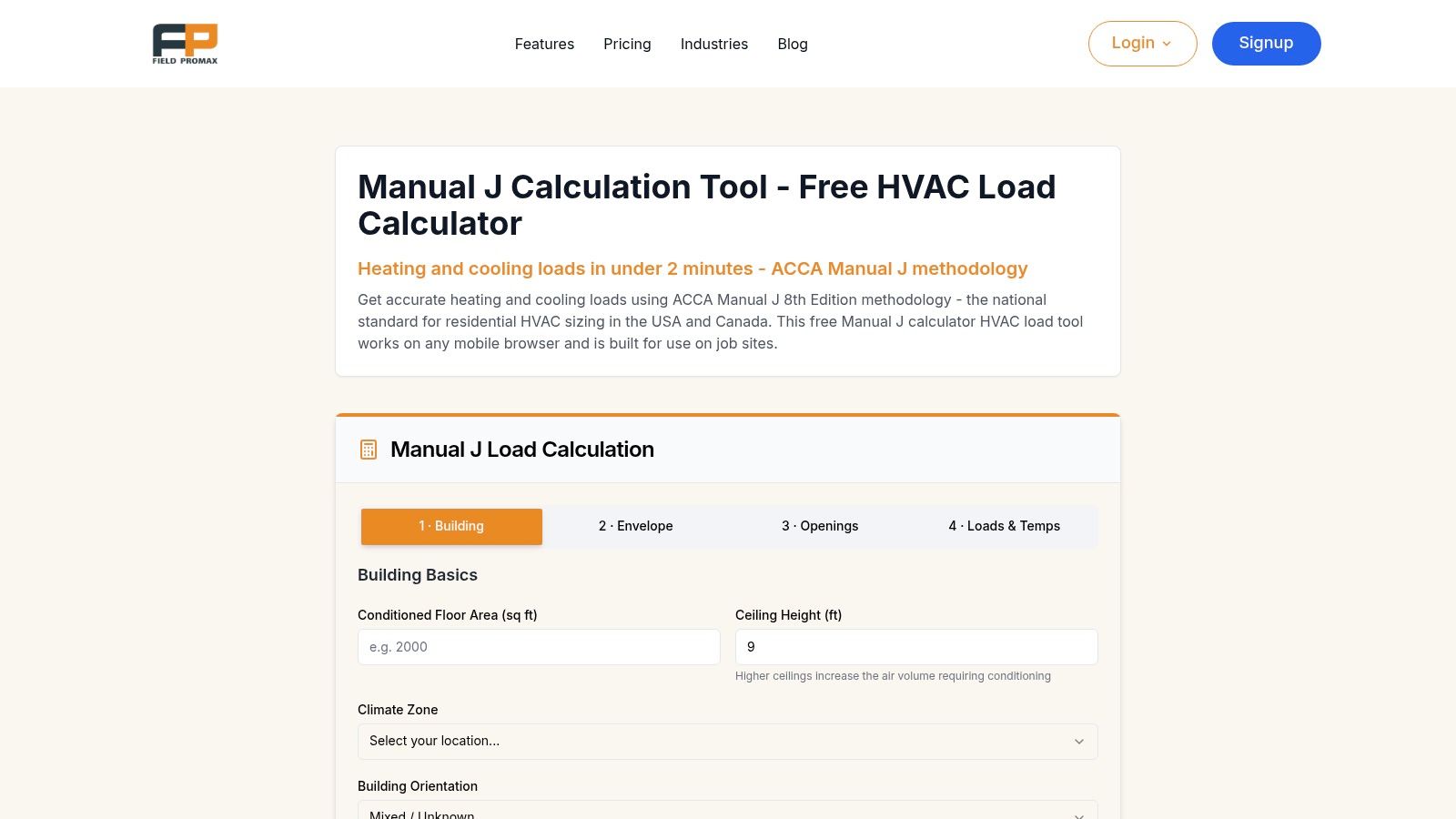
Field ProMax is one of the better choices when you want a mobile-friendly, field-ready estimator that still talks like a technician. Its step-by-step flow, building first, then envelope, then openings, then temperatures, matches how I'd mentally walk a house before I ever touched a spreadsheet. That makes it especially practical for hot-dry markets like Arizona, where orientation, glazing, and envelope condition can swing the result enough to matter on a replacement quote. Field ProMax calculator
What makes it useful on site
The transparency is the selling point. When a calculator shows its method and its limits, it's easier to explain to a homeowner why a number is a starting point instead of a final answer.
That honesty matters because a field estimator is only as good as the assumptions behind it. I like tools that warn you when an ACCA-approved Manual J is needed, because that keeps the boundary clear between an on-site estimate and a permit submittal. For actual installations, that line is absolute.
For replacement jobs, though, this kind of calculator can save time. It helps you screen whether the existing unit was likely oversized, undersized, or just poorly matched to the home's real load. That's a better place to start than repeating the old unit's tonnage by habit.
6. AutoHVAC.ai Free Manual J Report
AutoHVAC.ai is built for speed on new construction and additions, where the job starts with plans instead of a live house. Uploading blueprints to get a room-by-room report is a very different workflow from punching numbers into a quick estimate tool, and that difference matters when you're trying to turn drawings into a proposal. The first report being free makes it useful as a trial run for contractors who want to test an AI-assisted Manual J process without committing immediately. AutoHVAC.ai
Where AI helps, and where it doesn't
The upside is obvious for plan-based work. A room-by-room output is far more useful than a generic whole-house guess when you're quoting a new build or addition, and the turnaround can help keep the proposal moving.
The downside is just as real. The platform says it follows ACCA methodology, but it's not ACCA-approved, so I'd still verify whether the authority having jurisdiction will accept it for the job. In other words, it can help you scope and educate, but it doesn't automatically solve permit compliance.
For contractors, this is a good middle ground between a free calculator and a full pro package. I'd use it to get quick visibility into loads on the front end, then hand off to proper documentation if the project is going to inspection.
7. Load Calc Guru Manual J and S
Load Calc Guru is useful because it doesn't stop at the load estimate, it also brings in Manual S equipment verification. That's important in real HVAC work, because sizing is not only about load, it's also about whether the selected equipment matches the numbers on paper. A free basic mode gives you a way to run quick checks, and the Pro side adds the deeper inputs and PDF output that move the project closer to a submittal packet. Load Calc Guru
Good bridge from estimate to submittal
This tool fits a contractor who wants to start free but knows the job may need more documentation later. That's a practical approach for replacement bids and smaller design jobs, where you might not need every advanced feature on day one but still want a pathway to a cleaner report.
The catch is that the strongest features sit behind the Pro tier. That means the free version is best thought of as a screening layer, not the whole workflow, especially if you need branded documents or deeper inputs for a permit package.
Free basic calculators are fine for a first pass. The moment the job needs paperwork, equipment matching, or jurisdiction review, the workflow changes.
That's why I like tools that make the transition obvious. They help a tech avoid overpromising with a quick number and then scrambling when the customer asks for something official.
8. CalcSpec Manual J Load Calculator
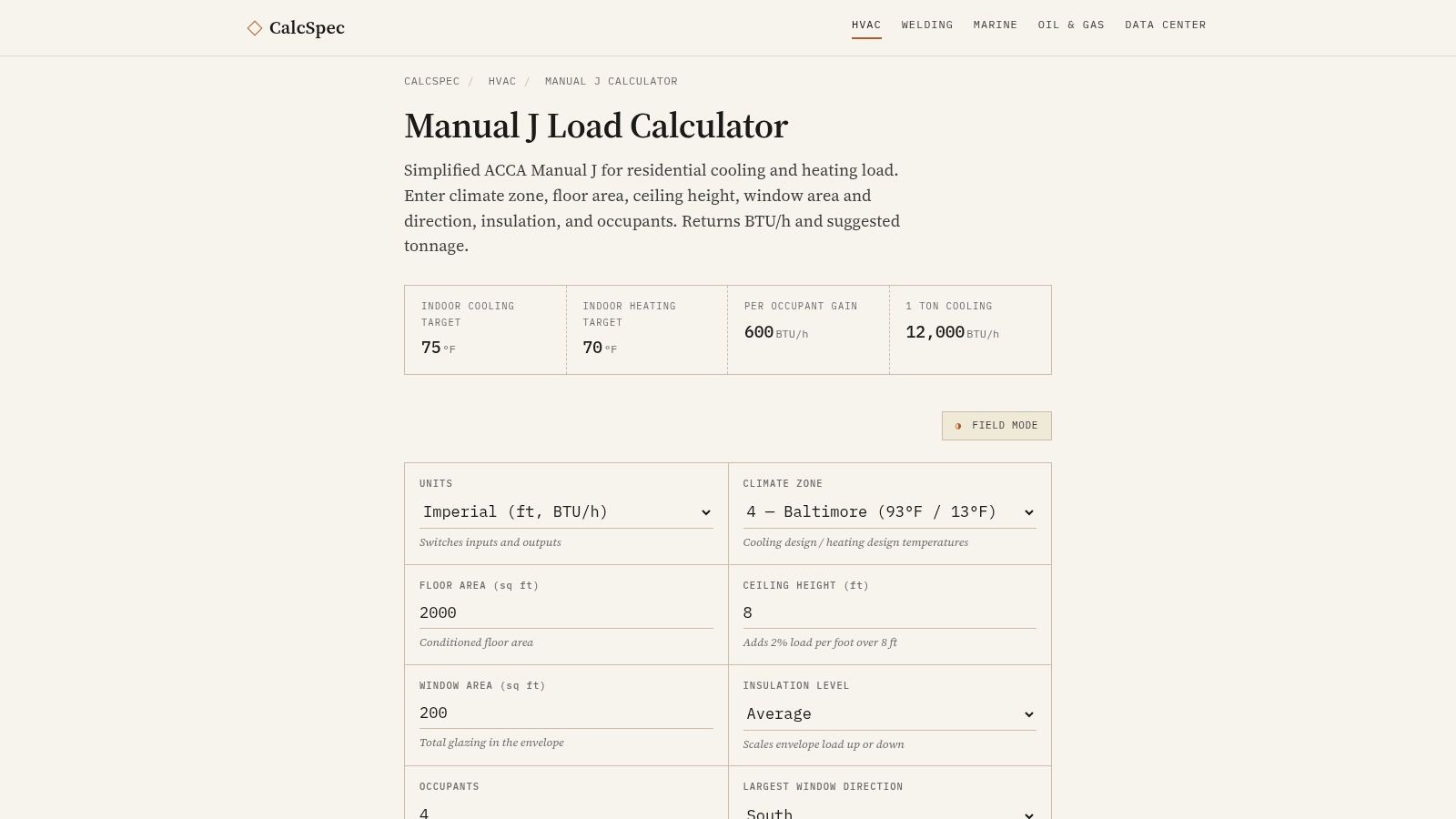
CalcSpec takes a more engineering-transparent approach than many consumer-facing tools. It shows the relationship between climate zone, window direction, insulation, and occupant gains in a way that makes the load result easier to explain to a customer who wants to know why the answer changed. That's useful on sales calls because transparency can calm a homeowner who thinks every calculator is just making up a number. CalcSpec Manual J calculator
Best for client education
This is one of the better tools for showing trade-offs. If the customer changes glazing or orientation and sees the result move, the value of a real load calculation becomes easier to understand.
The limitation is still the same, it's simplified. There's no full path for infiltration or duct test data, so it shouldn't be treated as a permit document or final engineering answer. But as a screening tool, it's solid because it helps the customer see why two homes with the same square footage can need different equipment.
That makes it useful for AC maintenance conversations too. When a system seems “too weak,” the issue isn't always the machine, sometimes the assumptions behind the original sizing were weak from the start.
9. BuildMEP Free HVAC Heat Load Calculator
BuildMEP is one of the more technically useful free tools because it separates sensible and latent load, and that's where a lot of consumer-grade calculators stay too vague. It also brings in envelope details like U-values and SHGC, plus occupant, lighting, equipment, and ventilation inputs, which makes it easier to think about real indoor conditions instead of a rough tonnage rule. For light commercial spaces and harder residential rooms, that kind of detail is useful before you commit to a full design path. BuildMEP calculator
Why technicians should pay attention
This is the type of free calculator that helps explain humidity problems. The latent side matters in places where moisture control affects comfort, and it matters in mixed-use spaces where people, lights, and equipment all add to the load.
I also like that it can produce a summary for documentation. That doesn't make it a permit packet, but it does make it easier to keep your notes organized when you're discussing a restaurant, server closet, or unusual room layout with a customer.
For a deeper look at how heat load thinking applies to real air conditioning work, this heat load calculation guide from Cobre Valley Air is a useful next step. The free tool gives you a directional estimate, the field work tells you whether that estimate survives contact with the building.
10. Simulations4All HVAC Load Calculator
Simulations4All is the best learning tool in this group. It's built to let you explore the physics behind a Manual J calculation, including sensible and latent factors, ducts, infiltration, glazing, orientation, and internal gains. That makes it a strong choice for training new staff or helping a customer understand why duct location and envelope quality matter just as much as floor area. Simulations4All HVAC load calculator
Best for training and what-if analysis
This tool is not trying to win a permit. It's trying to teach the logic behind the load calculation, and that's valuable in a shop where younger techs need to understand why one house doesn't behave like the next.
The verification logs are a nice touch because they reinforce the idea that HVAC design is checkable, not mystical. That mindset pays off when you're sizing systems for heat pumps, furnaces, or complex duct design jobs where small assumptions can change the outcome.
If you want a calculator that helps you explain why the number changed instead of just handing you a result, this one does that well. It's not the last word on sizing, but it's one of the better tools for building technician judgment.
Top 10 Free HVAC Load Calculators, Comparison
| Tool | Core features | Accuracy / UX (★) | Price / Value (💰) | Target audience (👥) | Unique selling points (✨/🏆) |
|---|---|---|---|---|---|
| ServiceTitan – HVAC Load Calculator | Browser-based quick sizing; simple inputs; part of ServiceTitan tools | ★★★☆☆, mobile-friendly, fast checks | 💰 Free, great scoping value | 👥 Techs for on-site ballparks & estimators | ✨ Integrated with other ServiceTitan HVAC tools |
| LoadCalc.net – Whole‑House Manual‑J Style | Whole-house Manual‑J style estimator + psychrometric helpers | ★★★☆☆, familiar, quick | 💰 Free, widely used reference | 👥 Field techs & quick estimators | ✨ Long‑standing, well‑known among pros |
| Calculator.net – AC BTU Calculator | Area/ceiling/insulation/climate inputs for BTU ballparks | ★★☆☆☆, very basic, homeowner‑level | 💰 Free, easy teaching tool | 👥 Homeowners & sales conversations | ✨ Clear explanations; very simple UI |
| HVAC.com – HVAC Load Calculator | ZIP/year/sqft estimator with Manual J explainer content | ★★☆☆☆, consumer‑oriented clarity | 💰 Free, good for pre‑visit alignment | 👥 Homeowners and initial consults | ✨ Readable guidance on tonnage & Manual J basics |
| Field ProMax – Free Manual J (Simplified) | Step‑by‑step mobile Manual J‑style flow; climate selector | ★★★★☆, practical for field use (AZ friendly) | 💰 Free, field‑ready utility | 👥 Technicians doing quick on‑site checks | ✨ Transparent methodology + clear accuracy warnings |
| AutoHVAC.ai – Free Manual J Report (first report) | Upload blueprints → auto takeoff → room‑by‑room loads | ★★★★☆, fast AI workflow; verify AHJ acceptance | 💰 First report free; subscription thereafter | 👥 Contractors for new construction & proposals | ✨ Auto blueprint parsing; rapid Manual J‑style reports 🏆 |
| Load Calc Guru – Manual J/S | Room‑by‑room Manual J + Manual S checks; Pro PDFs | ★★★★☆, solid pro features with export option | 💰 Free basic; Pro subscription for PDFs/advanced | 👥 Pros needing permit‑grade outputs & equipment checks | ✨ Manual S verification; branded PDF exports (Pro) |
| CalcSpec – Manual J Load Calculator | Simplified Manual J approach with transparent formulas | ★★★☆☆, good for screening & client education | 💰 Free, explains assumptions clearly | 👥 Techs & customers for quick education | ✨ Engineering transparency; highlights glazing/orientation |
| BuildMEP – Free HVAC Heat Load Calculator | Engineering‑style room loads; sensible/latent splits; PDF | ★★★★☆, more detailed outputs, PDF summary | 💰 Free, good documentation for light commercial | 👥 Light commercial, restaurants, server closets | ✨ Sensible/latent outputs + PDF export; useful for small commercial 🏆 |
| Simulations4All – HVAC Load Calculator (Manual J) | Interactive Manual J simulator with theory & verification logs | ★★★★☆, deep learning tool, interactive | 💰 Free, excellent training value | 👥 Trainers, students, engineers exploring scenarios | ✨ 'What‑if' simulator + learning modules and logs |
When a Free Estimate Isn't Enough Trust the Professionals
Free calculators are invaluable for ballpark estimates and homeowner education, but they are not a substitute for the official, code-compliant ACCA Manual J, S, and D calculations required for a new furnace or AC installation. For permit work, neutral industry guidance points technicians to ACCA-approved tools such as Wrightsoft Right-J, Cool Calc, or Elite RHVAC, while free calculators are better suited to quick sales-call sizing and client education, not code-official submittals in many jurisdictions. Industry guidance on Manual J software choices
That distinction matters in the context of AC installation, AC maintenance, heat pumps, furnaces, and duct design. A free tool can tell you whether a house looks roughly like a 2-ton, 3-ton, or 4-ton job, but it won't replace a room-by-room load model that accounts for envelope details, airflow, duct losses, and the conditions a home experiences on design day. The stronger free tools can also surface sensible load, latent load, total BTU/hr, and recommended tonnage, but those outputs still depend on simplified inputs and assumptions.
At Cobre Valley Air, we put service before sales. Our licensed technicians perform precise load calculations and duct evaluations for every installation in Globe, Miami, Superior, and surrounding Arizona communities. That approach matters because right-sized equipment delivers better comfort, better humidity control, and fewer surprises after the install.
If you're comparing free calculators, use them for education and rough planning, then bring in a professional when the project affects a permit, a replacement decision, or long-term comfort. For a careful, code-aware assessment from a local team that handles HVAC repair, installation, duct design, and new-build sizing, visit Cobre Valley Air LLC and schedule a conversation with a technician who will size the job the right way.